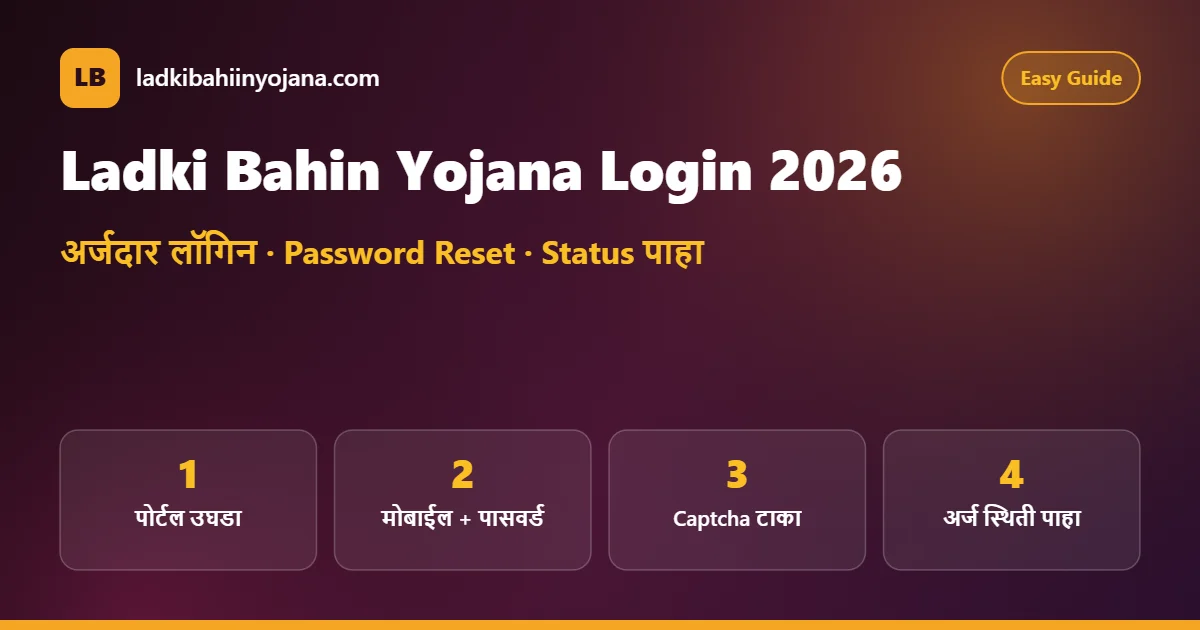
Ladki Bahin Yojana Login 2026: अर्जदार लॉगिन, Password Reset आणि अर्ज स्थिती
Ladki Bahin Yojana Login करून तुम्ही घरबसल्या तुमचा अर्ज, त्याची स्थिती आणि eKYC ची माहिती पाहू शकता. या लेखात अधिकृत पोर्टलवर अर्जदार लॉगिन कसे करायचे, पासवर्ड विसरल्यास तो कसा बदलायचा आणि लॉगिन होत नसेल तर काय करावे, हे सोप्या मराठीत दिले आहे.
With Ladki Bahin Yojana Login you can see your application, its status and your eKYC details from home. This guide explains how to sign in on the official portal, how to reset a forgotten password, and what to do when the login does not work.
Latest (19 ऑक्टोबर 2026): अर्जदार लॉगिन आणि पासवर्ड रीसेट सुविधा पोर्टलवर सुरू आहे. नवीन अर्ज सध्या स्वीकारले जात नाहीत, त्यामुळे लॉगिनचा उपयोग मुख्यतः जुना अर्ज, स्थिती आणि eKYC पाहण्यासाठी होतो.
The applicant login and password reset are working on the portal. New applications are not being accepted right now, so the login is mainly used to view your existing application, status and eKYC.
Ladki Bahin Yojana Login केल्यावर काय पाहता येते? | What You Can Do After Login
अनेक महिलांना वाटते की लॉगिन फक्त अर्ज भरण्यासाठी होते. पण आता लाडकी बहीण योजना लॉगिन चा खरा उपयोग खालील कामांसाठी आहे:
Many women think the login is only for filling the form. Today, the Ladki Bahin Yojana Login is mainly useful for these tasks:
- यापूर्वी केलेले अर्ज आणि अर्ज क्रमांक पाहणे (view your earlier application and application ID)
- अर्जाची स्थिती – Approved, Pending, Rejected इत्यादी (check application status)
- eKYC पूर्ण झाले आहे का ते तपासणे (confirm whether eKYC is complete)
- अर्जात दिलेली वैयक्तिक व बँक माहिती तपासणे (check personal and bank details in the form)
- पोर्टलवरील सूचना आणि अपडेट वाचणे (read notices and updates on the portal)
पैसे खात्यात आले का, हे मात्र बँक SMS किंवा पासबुकवरूनच निश्चित कळते. त्यासाठी Ladki Bahin Yojana Status Check लेख पाहा.
Whether the money reached your account is best confirmed through a bank SMS or passbook. See our Ladki Bahin Yojana status check guide for that.
लॉगिनआधी ही माहिती तयार ठेवा | Keep These Ready
Ladki Bahin Yojana Login पटकन होण्यासाठी आणि पुढे कोणतीही तक्रार करायची झाल्यास खालील माहिती एका कागदावर लिहून ठेवा. हेल्पलाइनवर कॉल करताना ही माहिती लगेच विचारली जाते.
To finish the Ladki Bahin Yojana Login quickly and to raise a complaint later if needed, write down the details below. The helpline asks for them right away.
| माहिती (Detail) | कुठे मिळेल (Where to find it) |
|---|---|
| नोंदणीकृत मोबाईल नंबर | अर्ज करताना दिलेला नंबर (number used in the form) |
| पासवर्ड | तुम्ही तयार केलेला; विसरल्यास रीसेट करा |
| अर्ज क्रमांक (Application ID) | पोर्टल डॅशबोर्ड किंवा अर्जाची पावती |
| आधार क्रमांक | आधार कार्ड (Aadhaar card) |
| बँक खाते तपशील | पासबुक – खाते क्रमांक आणि IFSC |
Ladki Bahin Yojana Login च्या 5 सोप्या स्टेप्स | 5 Easy Steps to Log In
लॉगिनसाठी तुम्हाला फक्त अर्ज करताना दिलेला मोबाईल नंबर आणि पासवर्ड लागतो. मोबाईल किंवा कॉम्प्युटर, दोन्हीवर ही पद्धत सारखीच आहे.
For the login you only need the mobile number and password you used while applying. The method is the same on a phone or a computer.
- पोर्टल उघडा: ब्राउझरमध्ये ladakibahin.maharashtra.gov.in टाइप करा. (Open the official portal.)
- अर्जदार लॉगिन निवडा: मुख्य पानावर “अर्जदार लॉगिन” (Applicant Login) वर क्लिक करा. (Click Applicant Login.)
- मोबाईल नंबर आणि पासवर्ड: नोंदणीकृत 10 अंकी मोबाईल नंबर आणि पासवर्ड टाका. (Enter your registered mobile number and password.)
- Captcha: चित्रात दिसणारे अक्षरे/अंक जसेच्या तसे टाका. (Type the captcha exactly.)
- Login बटण: क्लिक केल्यावर डॅशबोर्ड उघडतो, तिथे “यापूर्वी केलेले अर्ज” मध्ये तुमचा अर्ज दिसतो. (Your dashboard opens with your earlier application.)
एकदा Ladki Bahin Yojana Login झाले की डॅशबोर्डवरील अर्जावर क्लिक करून त्याची स्थिती आणि टिप्पणी (remark) वाचा. अर्ज नाकारला असेल तर त्याचे कारणही तिथे दिसू शकते.
Once the Ladki Bahin Yojana Login is done, click the application on the dashboard to read its status and remark. If it was rejected, the reason may also be shown there.
Ladki Bahin Yojana Login Password विसरलात? Reset करा | Password Reset
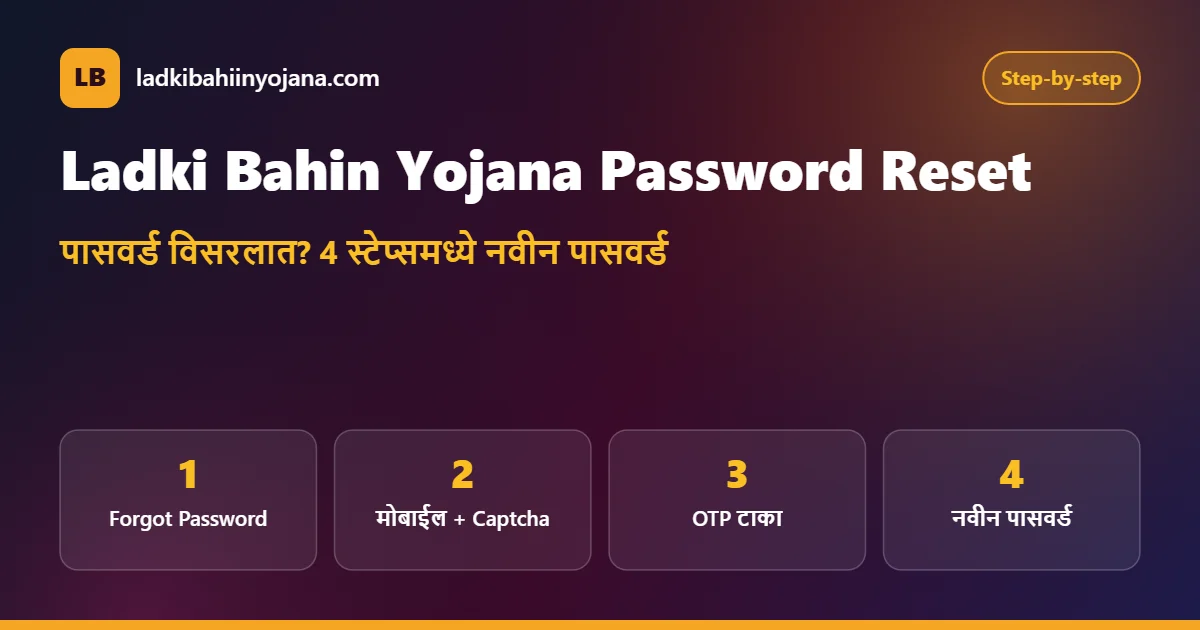
ladki bahin yojana password विसरणे ही सर्वात सामान्य अडचण आहे, कारण बहुतेक महिलांनी 2024 मध्ये एकदाच अर्ज केला होता. पासवर्ड बदलण्यासाठी मोबाईलवर OTP येतो, म्हणून नोंदणीकृत नंबर जवळ ठेवा.
Forgetting the ladki bahin yojana password is the most common problem, because most women applied only once in 2024. An OTP comes on your mobile during the reset, so keep the registered number with you.
- लॉगिन पानावर “Forgot Password” किंवा “पासवर्ड विसरलात?” वर क्लिक करा. (Click Forgot Password.)
- नोंदणीकृत मोबाईल नंबर आणि captcha टाका. (Enter your mobile number and captcha.)
- मोबाईलवर आलेला OTP टाकून पडताळणी करा. (Verify the OTP.)
- नवीन पासवर्ड दोनदा टाका आणि सेव्ह करा. मग नवीन पासवर्डने लाडकी बहीण योजना लॉगिन करा. (Set a new password and log in again.)
मजबूत पासवर्डसाठी किमान 8 अक्षरे, एक कॅपिटल अक्षर, एक अंक आणि एक चिन्ह (@, #) वापरा. पासवर्ड कागदावर लिहून सुरक्षित ठिकाणी ठेवा, पण कोणालाही सांगू नका.
For a strong password, use at least 8 characters with one capital letter, one number and one symbol such as @ or #. Write it down and keep it safe, but never share it.
लॉगिननंतर स्थितीचा अर्थ | What Each Status Means
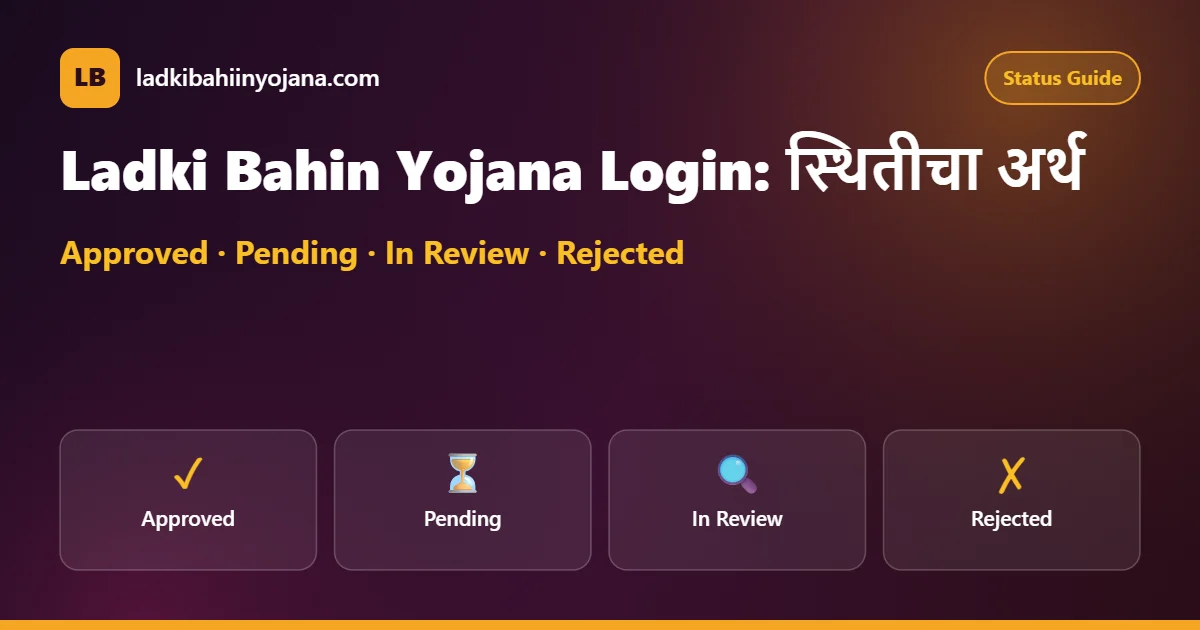
Ladki Bahin Yojana Login नंतर अर्जासमोर एक स्थिती दिसते. प्रत्येक स्थितीचा अर्थ आणि पुढे काय करायचे ते खालील तक्त्यात आहे.
After the Ladki Bahin Yojana Login, a status appears next to your application. The table explains each status and what to do next.
| स्थिती (Status) | अर्थ (Meaning) | पुढे काय (Next step) |
|---|---|---|
| Approved | अर्ज मंजूर (approved) | eKYC आणि DBT स्थिती तपासा |
| Pending | पडताळणी बाकी (under check) | थांबा; अंगणवाडीशी संपर्क |
| In Review | पुन्हा तपासणी सुरू (re-verification) | कागदपत्रे तयार ठेवा |
| Rejected / Disapproved | अर्ज नाकारला (rejected) | कारण वाचा; 181 वर विचारा |
| eKYC Pending | eKYC अपूर्ण (eKYC incomplete) | eKYC पान पाहा |
eKYC अपूर्ण असल्यास पुढचा हप्ता थांबू शकतो. सध्याची eKYC स्थिती आणि प्रक्रिया eKYC मार्गदर्शक पानावर आहे.
If eKYC is incomplete, the next installment can stop. The current eKYC status and steps are on our Ladki Bahin Yojana eKYC page.
डॅशबोर्ड समजून घ्या | Understanding the Dashboard
लाडकी बहीण योजना लॉगिन झाल्यावर उघडणाऱ्या पानाला डॅशबोर्ड म्हणतात. पोर्टलची रचना वेळोवेळी बदलू शकते, पण साधारणपणे त्यात तुमचे नाव, “यापूर्वी केलेले अर्ज” ही यादी आणि Logout पर्याय दिसतो.
The page that opens after the Ladki Bahin Yojana Login is called the dashboard. Its layout can change from time to time, but it usually shows your name, a list of applications made earlier and a Logout option.
यादीतील अर्जावर किंवा “View” चिन्हावर क्लिक केल्यास अर्जाचा तपशील उघडतो. तिथे अर्ज क्रमांक, अर्ज केल्याची तारीख, स्थिती आणि अधिकाऱ्यांची टिप्पणी पाहता येते. ही माहिती मोबाईलवर स्क्रीनशॉट घेऊन जतन करा.
Click the application or its View icon to open the details. You can see the application ID, the date of applying, the status and the officer’s remark. Save this information as a screenshot on your phone.
मोबाईलवर की कॉम्प्युटरवर? | Phone or Computer?
दोन्हीवर Ladki Bahin Yojana Login होते. मोबाईलवर Chrome ब्राउझर वापरा आणि “Desktop site” पर्याय चालू केल्यास तक्ते नीट दिसतात. कॉम्प्युटरवर पान मोठे दिसते आणि captcha वाचणे सोपे जाते.
The Ladki Bahin Yojana Login works on both. On a phone, use Chrome; turning on Desktop site makes tables easier to read. On a computer, the page is larger and the captcha is easier to read.
नेटवर्क कमकुवत असेल तर पान अर्धवट लोड होते. अशा वेळी Wi-Fi किंवा चांगले नेटवर्क असलेल्या ठिकाणी प्रयत्न करा. रात्री 10 नंतर किंवा सकाळी 7 च्या आधी पोर्टलवर गर्दी कमी असते, असा अनेक वापरकर्त्यांचा अनुभव आहे.
On a weak network the page loads only partly, so try on Wi-Fi or a place with good signal. Many users find the portal less busy after 10 PM or before 7 AM.
अर्ज क्रमांक कसा शोधायचा? | Find Your Application ID
अर्ज क्रमांक (Application ID) हा तुमच्या अर्जाचा ओळख क्रमांक आहे. Ladki Bahin Yojana Login केल्यावर डॅशबोर्डवरील अर्जाच्या ओळीत तो दिसतो. अर्ज करताना मिळालेल्या पावतीवर किंवा SMS मध्येही तो असू शकतो.
The application ID identifies your form. After the Ladki Bahin Yojana Login, it appears in your application row on the dashboard. It may also be on the receipt or SMS you received while applying.
हा क्रमांक हेल्पलाइन तक्रार, अंगणवाडी चौकशी आणि eKYC अडचणींसाठी लागतो. त्यामुळे तो लिहून ठेवा आणि कुटुंबातील विश्वासू व्यक्तीलाही सांगून ठेवा.
You need this number for helpline complaints, Anganwadi enquiries and eKYC problems. Write it down and share it with a trusted family member.
लॉगिन आणि eKYC यात फरक काय? | Login vs eKYC
अनेक महिला Ladki Bahin Yojana Login आणि eKYC एकच समजतात. पण दोन्ही वेगळ्या गोष्टी आहेत. लॉगिन म्हणजे तुमच्या खात्यात प्रवेश करणे, तर eKYC म्हणजे आधार OTP द्वारे तुमची ओळख पडताळणी करणे.
Many women think the Ladki Bahin Yojana Login and eKYC are the same, but they are different. Login means entering your account, while eKYC means verifying your identity with an Aadhaar OTP.
| मुद्दा (Point) | लॉगिन (Login) | eKYC |
|---|---|---|
| उद्देश (Purpose) | अर्ज व स्थिती पाहणे | ओळख पडताळणी |
| काय लागते (Needs) | मोबाईल + पासवर्ड + captcha | आधार + आधार-लिंक मोबाईल OTP |
| किती वेळा (How often) | हवे तेव्हा | शासन सांगेल तेव्हा (वार्षिक) |
| न केल्यास (If skipped) | काही अडचण नाही | हप्ता थांबू शकतो |
म्हणजेच दर महिन्याला लॉगिन करणे बंधनकारक नाही, पण शासनाने eKYC मागितल्यास ते वेळेत पूर्ण करणे आवश्यक आहे. पुढची eKYC फेरी जाहीर झाल्यावर आम्ही ती माहिती eKYC पानावर देऊ.
So logging in every month is not required, but eKYC must be completed on time whenever the government asks for it. When the next eKYC round is announced, we will add it to the eKYC page.
ॲपवरून लॉगिन | Login Through the Mobile App
नारीशक्ती दूत ॲपमध्ये पासवर्डऐवजी मोबाईल OTP ने लॉगिन होते. ॲप उघडा, मोबाईल नंबर टाका, अटी स्वीकारा आणि OTP टाका. त्यानंतर “केलेले अर्ज” विभागात तुमचा अर्ज दिसतो.
In the Nari Shakti Doot app, you log in with a mobile OTP instead of a password. Open the app, enter your number, accept the terms and enter the OTP. Your application then appears under the applications section.
जर तुम्ही 2024 मध्ये ॲपवरून अर्ज केला असेल, तर पोर्टलवर तुमचा पासवर्ड कदाचित तयार झालेला नसेल. अशा वेळी पोर्टलवर “Forgot Password” वापरून त्याच मोबाईल नंबरसाठी नवीन पासवर्ड तयार करून Ladki Bahin Yojana Login करून पाहा.
If you applied through the app in 2024, you may not have a portal password. In that case, use Forgot Password on the portal to create a new password for the same mobile number and try the Ladki Bahin Yojana Login again.
Ladki Bahin Yojana Login होत नाही? समस्या आणि उपाय | Login Problems and Fixes
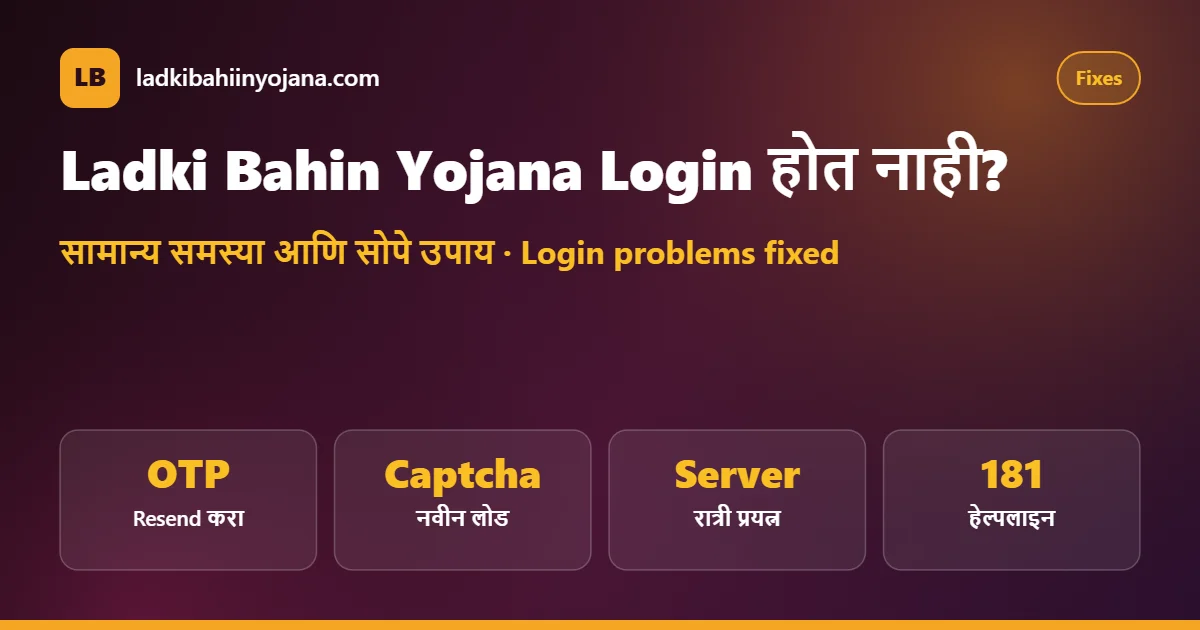
पोर्टलवर एकाच वेळी लाखो महिला येतात, त्यामुळे कधी कधी लॉगिन अडकते. खालील तक्त्यात सामान्य समस्या आणि सोपे उपाय दिले आहेत.
Lakhs of women use the portal at the same time, so the login sometimes gets stuck. The table lists common problems and easy fixes.
| समस्या (Problem) | उपाय (Fix) |
|---|---|
| Invalid mobile or password | पासवर्ड रीसेट करा (reset the password) |
| OTP येत नाही | नेटवर्क तपासा, 2 मिनिटांनी Resend करा |
| Captcha चुकीचा | नवीन captcha लोड करून काळजीपूर्वक टाका |
| पान उघडत नाही / server busy | रात्री उशिरा किंवा सकाळी लवकर प्रयत्न करा |
| User not found | अर्जात दिलेला अचूक नंबर वापरा; 181 वर विचारा |
| पान अर्धवट दिसते | ब्राउझर cache साफ करा किंवा Chrome वापरा |
| मोबाईल नंबर बंद झाला | अंगणवाडी सेविका / कार्यालयाशी संपर्क |
| डॅशबोर्डवर अर्ज दिसत नाही | “यापूर्वी केलेले अर्ज” विभाग उघडा |
वरील उपाय करूनही लाडकी बहीण योजना लॉगिन होत नसेल, तर अर्ज क्रमांक आणि आधार क्रमांक तयार ठेवून 181 या महिला हेल्पलाइनवर संपर्क साधा.
If the Ladki Bahin Yojana Login still fails after these fixes, call the 181 women’s helpline with your application ID and Aadhaar number ready.
मोबाईल नंबर बदलला असेल तर? | If Your Mobile Number Changed
लॉगिन आणि OTP दोन्ही नोंदणीकृत मोबाईल नंबरवर अवलंबून आहेत. जुना नंबर बंद झाला असेल, तर आधी त्याच कंपनीकडून तोच नंबर पुन्हा सुरू करता येतो का ते पाहा (SIM replacement). हा सर्वात सोपा मार्ग आहे.
Both the login and the OTP depend on your registered mobile number. If the old number is closed, first check whether the same number can be restarted through a SIM replacement from your operator. This is the easiest way.
ते शक्य नसल्यास स्थानिक अंगणवाडी सेविका, बाल विकास प्रकल्प कार्यालय किंवा 181 हेल्पलाइनकडे नंबर बदलाबाबत मार्गदर्शन घ्या. स्वतःहून नवीन खाते तयार करू नका, कारण त्यामुळे दुहेरी नोंद होऊ शकते.
If that is not possible, ask your Anganwadi worker, the child development project office or the 181 helpline about changing the number. Do not create a new account on your own, as it can cause a duplicate record.
सुरक्षित Ladki Bahin Yojana Login साठी टिप्स | Safety Tips
- फक्त .gov.in ने संपणाऱ्या अधिकृत वेबसाइटवरच लाडकी बहीण योजना लॉगिन करा. (Log in only on the official .gov.in site.)
- OTP आणि पासवर्ड कोणालाही, अगदी “सरकारी अधिकारी” म्हणणाऱ्यालाही सांगू नका. (Never share OTP or password.)
- सायबर कॅफेमध्ये काम झाल्यावर Logout करा. (Log out on shared computers.)
- WhatsApp वर आलेल्या “login link” वर क्लिक करू नका. (Do not click login links on WhatsApp.)
- ब्राउझरमध्ये पासवर्ड सेव्ह करू नका, विशेषतः दुसऱ्याच्या फोनवर. (Do not save the password on others’ phones.)
Ladki Bahin Yojana Login FAQ | नेहमीचे प्रश्न
लाडकी बहीण योजना लॉगिन कोणत्या वेबसाइटवर करायचे? | Which website is used for login?
फक्त ladakibahin.maharashtra.gov.in या अधिकृत पोर्टलवर “अर्जदार लॉगिन” वापरा.
Use Applicant Login only on the official portal ladakibahin.maharashtra.gov.in.
लॉगिनसाठी OTP लागतो का? | Is OTP needed for login?
पोर्टलवर साधारणपणे मोबाईल नंबर, पासवर्ड आणि captcha लागतो. पासवर्ड रीसेट आणि ॲप लॉगिनसाठी OTP येतो.
The portal usually needs mobile number, password and captcha. OTP is used for password reset and app login.
ladki bahin yojana password विसरले तर? | What if I forget my password?
“Forgot Password” वापरा, मोबाईलवर आलेला OTP टाका आणि नवीन पासवर्ड तयार करा.
Use Forgot Password, enter the OTP and create a new password.
लॉगिन करून नवीन अर्ज भरता येतो का? | Can I apply again after login?
सध्या नवीन अर्ज स्वीकारले जात नाहीत. लॉगिनचा उपयोग जुना अर्ज आणि स्थिती पाहण्यासाठी आहे.
New applications are not being accepted now. The login is for viewing your existing application and status.
लॉगिननंतर पैसे जमा झाले का ते दिसते का? | Can I see payments after login?
पोर्टलवर अर्ज स्थिती दिसते. पैसे जमा झाल्याची खात्री बँक SMS, पासबुक किंवा मिनी स्टेटमेंटवरून करा.
The portal shows application status. Confirm payments through bank SMS, passbook or mini statement.
दुसऱ्याच्या मोबाईलवरून लॉगिन करता येते का? | Can I log in from another phone?
हो, कोणत्याही फोनवरून ब्राउझरमध्ये लॉगिन करता येते, पण OTP तुमच्या नोंदणीकृत नंबरवरच येतो. काम झाल्यावर Logout करा.
Yes, you can log in from any phone’s browser, but the OTP comes only to your registered number. Log out after use.
लॉगिन पानावर “Create Account” दिसते, नवीन खाते करू का? | Should I create a new account?
तुमचा अर्ज आधीच असेल तर नवीन खाते करू नका. जुन्या मोबाईल नंबरनेच लॉगिन किंवा पासवर्ड रीसेट करा.
If you already applied, do not create a new account. Log in or reset the password with the same number.
लॉगिनसाठी कोणतीही फी आहे का? | Is there any fee for login?
नाही. लॉगिन, पासवर्ड रीसेट आणि स्थिती पाहणे पूर्णपणे मोफत आहे. पैसे मागणाऱ्यांपासून सावध राहा.
No. Login, password reset and status check are completely free. Beware of anyone asking for money.
लॉगिन केल्यावर Logout करणे गरजेचे आहे का? | Do I need to log out?
हो. विशेषतः दुसऱ्याचा फोन किंवा सायबर कॅफेचा कॉम्प्युटर वापरत असाल तर काम संपताच Logout करा, म्हणजे तुमची माहिती सुरक्षित राहते.
Yes. Especially on someone else’s phone or a cyber cafe computer, log out as soon as you finish so that your details stay safe.
Related Guides | संबंधित माहिती
Diwali Bonus 2026
₹3,000 दिवाळीपूर्वी मिळणार का?
Status Check
अर्ज आणि पेमेंट स्थिती.
Online Apply
पात्रता, कागदपत्रे आणि अर्ज प्रक्रिया.
ही अधिकृत सरकारी वेबसाइट नाही. लॉगिन फक्त अधिकृत पोर्टल वरच करा. आम्ही तुमचा पासवर्ड किंवा OTP कधीही मागत नाही.
This is not an official government website. Log in only on the official portal. We never ask for your password or OTP.
2 Comments