Nari Shakti Doot App 2026: लाडकी बहीण योजना ॲप Login, अर्ज स्थिती आणि उपाय
Nari Shakti Doot App हे महाराष्ट्र शासनाचे मोबाईल ॲप आहे, ज्यावरून 2024 मध्ये लाखो महिलांनी मुख्यमंत्री माझी लाडकी बहीण योजनेसाठी अर्ज केला. आज हे ॲप मुख्यतः जुना अर्ज आणि त्याची स्थिती पाहण्यासाठी वापरले जाते. या लेखात नारीशक्ती दूत ॲप डाउनलोड, OTP लॉगिन, अर्ज स्थिती आणि ॲप न चालल्यास करायचे उपाय दिले आहेत.
The Nari Shakti Doot App is the Maharashtra government’s mobile app through which lakhs of women applied for the Mukhyamantri Majhi Ladki Bahin Yojana in 2024. Today it is mainly used to see an existing application and its status. This guide covers download, OTP login, application status and fixes when the app does not work.
Latest (ऑक्टोबर 2026): Nari Shakti Doot App वरून नवीन अर्ज सध्या स्वीकारले जात नाहीत. ॲपमध्ये लॉगिन करून तुम्ही यापूर्वी केलेला अर्ज आणि त्याची स्थिती पाहू शकता. eKYC साठी अधिकृत पोर्टलवरील eKYC पर्याय वापरा.
New applications are not being accepted through the Nari Shakti Doot App right now. You can log in to see the application you made earlier and its status. For eKYC, use the eKYC option on the official portal.
Nari Shakti Doot App म्हणजे काय? | What Is the Nari Shakti Doot App?
लाडकी बहीण योजना जुलै 2024 मध्ये सुरू झाली तेव्हा अर्ज भरण्यासाठी हे ॲप देण्यात आले होते. नंतर ladakibahin.maharashtra.gov.in हे पोर्टलही सुरू झाले. त्यामुळे अनेक जण याला थेट Ladki Bahin Yojana App असेही म्हणतात.
When the scheme started in July 2024, this app was provided for filling the form. Later the ladakibahin.maharashtra.gov.in portal was also launched. That is why many people simply call it the Ladki Bahin Yojana App.
“नारीशक्ती दूत” म्हणजे महिलांना शासकीय योजनांपर्यंत पोहोचवणारा दूत. ॲपमध्ये महिला स्वतःसाठी अर्ज करू शकत होत्या, तसेच अंगणवाडी सेविका किंवा इतर अधिकृत व्यक्ती इतर महिलांचे अर्जही भरू शकत होत्या.
“Nari Shakti Doot” means a messenger who takes government schemes to women. Women could apply for themselves, and Anganwadi workers or other authorised persons could also fill forms for other women.
Nari Shakti Doot App डाउनलोड कसे करायचे | How to Download
अधिकृत नारीशक्ती दूत ॲप फक्त Google Play Store वरून डाउनलोड करा. Play Store मध्ये “NariShakti Doot” असे शोधा आणि महाराष्ट्र शासनाशी संबंधित, जास्त डाउनलोड असलेले ॲपच निवडा.
Download the official Nari Shakti Doot App only from the Google Play Store. Search “NariShakti Doot” and choose the app linked to the Maharashtra government with a high number of downloads.
- Play Store उघडा आणि NariShakti Doot शोधा. (Search on Google Play.)
- ॲपचे नाव, डेव्हलपर आणि रिव्ह्यू तपासा. (Check the name, developer and reviews.)
- “Install” वर क्लिक करा आणि ॲप उघडा. (Install and open the app.)
- मागितलेल्या परवानग्या (कॅमेरा, स्टोरेज) फक्त गरजेनुसार द्या. (Give permissions only as needed.)
WhatsApp किंवा टेलिग्रामवर येणारी “Nari Shakti Doot APK” फाइल कधीही इन्स्टॉल करू नका. अशा फाइल्समध्ये तुमची बँक माहिती चोरणारे व्हायरस असू शकतात.
Never install a “Nari Shakti Doot APK” file shared on WhatsApp or Telegram. Such files can contain malware that steals your banking details.
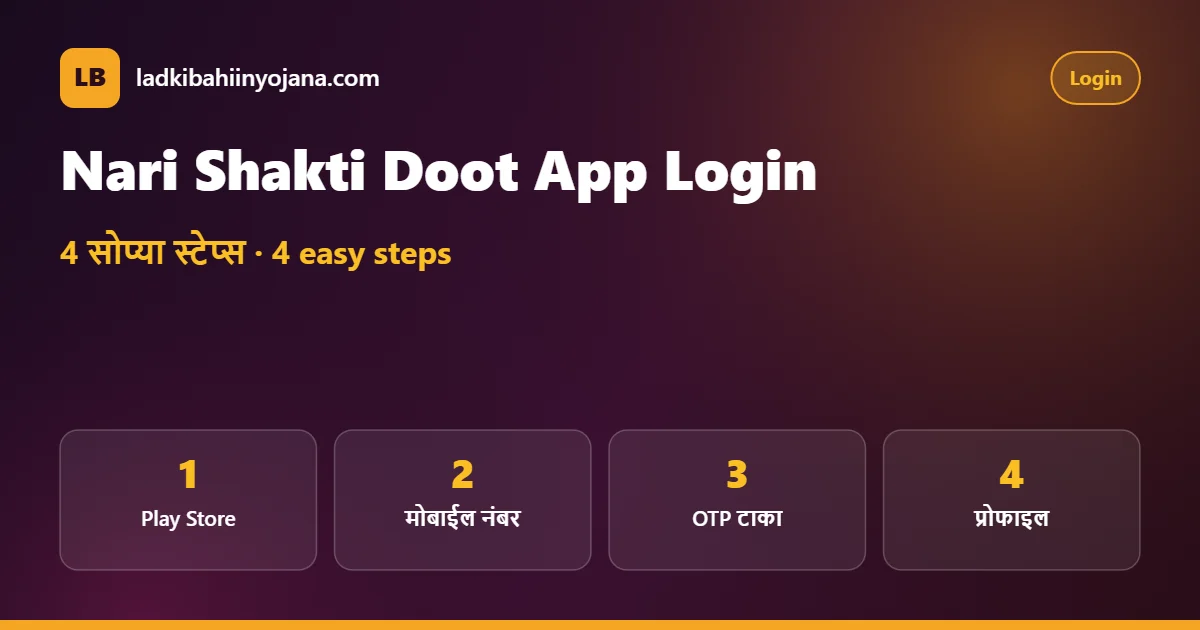
Nari Shakti Doot App Login: 4 सोप्या स्टेप्स | Login in 4 Easy Steps
ॲपमध्ये पासवर्ड लागत नाही. तुमच्या मोबाईलवर येणाऱ्या OTP ने लॉगिन होते. म्हणून अर्ज करताना दिलेला नंबरच वापरा.
The app does not need a password. You log in with an OTP sent to your phone, so use the same number you gave while applying.
- मोबाईल नंबर: ॲप उघडून 10 अंकी मोबाईल नंबर टाका. (Enter your mobile number.)
- अटी स्वीकारा: Terms and Conditions वर टिक करा आणि “Login” दाबा. (Accept the terms.)
- OTP: SMS ने आलेला OTP टाकून “Verify” करा. (Verify the OTP.)
- प्रोफाइल: पहिल्यांदा लॉगिन करत असाल तर नाव, जिल्हा आणि इतर माहिती भरून प्रोफाइल पूर्ण करा. (Complete your profile on first login.)
लॉगिन झाल्यावर मुख्य पानावर “केलेले अर्ज” किंवा तत्सम विभाग दिसतो. तिथे तुमचा लाडकी बहीण योजना अर्ज आणि त्याची स्थिती पाहता येते. पोर्टलवरील लॉगिनची पद्धत Ladki Bahin Yojana Login लेखात आहे.
After login, a section for applications you have made appears on the main screen. There you can see your Ladki Bahin Yojana application and its status. The portal login method is in our Ladki Bahin Yojana Login guide.
Nari Shakti Doot App मध्ये अर्ज स्थिती कशी पाहायची | Check Application Status
अर्ज स्थिती पाहणे हे आज नारीशक्ती दूत ॲप चे सर्वात महत्त्वाचे काम आहे. “केलेले अर्ज” विभागात अर्जावर टॅप केल्यावर त्याची स्थिती, अर्ज क्रमांक आणि अधिकाऱ्यांची टिप्पणी दिसू शकते.
Checking application status is the most important use of the Nari Shakti Doot App today. Tap your application in the applications section to see its status, application ID and the officer’s remark.
| ॲपमधील स्थिती (Status) | अर्थ (Meaning) | काय करावे (What to do) |
|---|---|---|
| Approved | अर्ज मंजूर | eKYC आणि बँक DBT तपासा |
| Pending | पडताळणी बाकी | थोडे थांबा; अंगणवाडीकडे विचारा |
| In Review / Review | पुन्हा तपासणी | कागदपत्रे तयार ठेवा |
| Rejected / Disapproved | अर्ज नाकारला | टिप्पणी वाचा; 181 वर संपर्क |
| Edit / Resubmit | दुरुस्तीसाठी परत | सूचनेनुसार दुरुस्ती करा |
स्थिती Approved असूनही पैसे येत नसतील, तर समस्या बँक खाते, आधार सीडिंग किंवा eKYC मध्ये असू शकते. त्याची सविस्तर माहिती Status Check पानावर आहे.
If the status is Approved but money is not coming, the problem may be in your bank account, Aadhaar seeding or eKYC. Details are on our Ladki Bahin Yojana status check page.
Nari Shakti Doot App की पोर्टल? कोणते वापरावे | App vs Portal
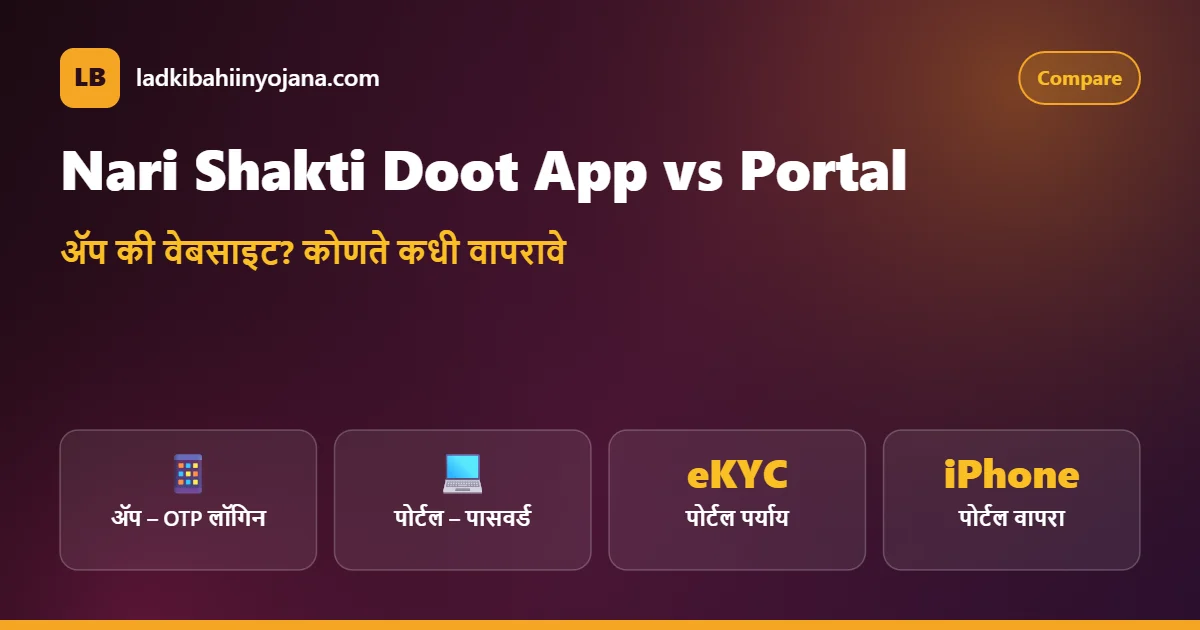
दोन्ही अधिकृत आहेत, पण त्यांचा उपयोग थोडा वेगळा आहे. खालील तक्ता पाहून तुमच्यासाठी सोपा पर्याय निवडा.
Both are official, but they are used a little differently. Use the table to pick the easier option for you.
| मुद्दा (Point) | नारीशक्ती दूत ॲप | पोर्टल (Website) |
|---|---|---|
| लॉगिन (Login) | मोबाईल OTP | मोबाईल + पासवर्ड + captcha |
| डिव्हाइस (Device) | Android फोन | कोणताही फोन / कॉम्प्युटर |
| अर्ज स्थिती (Status) | हो (Yes) | हो (Yes) |
| eKYC | पर्याय दिसल्यास | अधिकृत eKYC पर्याय |
| iPhone | अधिकृत ॲप नाही | ब्राउझरमध्ये चालते |
तुमच्याकडे iPhone असेल किंवा फोनमध्ये जागा कमी असेल, तर ladakibahin.maharashtra.gov.in हे पोर्टल वापरणे सोपे आहे. eKYC ची संपूर्ण प्रक्रिया eKYC मार्गदर्शक पानावर दिली आहे.
If you use an iPhone or your phone is low on storage, the official portal is easier. The full eKYC process is on our Ladki Bahin Yojana eKYC page.
Nari Shakti Doot App वरून नवीन अर्ज करता येतो का? | Can You Apply Now?
सध्या (ऑक्टोबर 2026) Ladki Bahin Yojana App किंवा पोर्टलवरून नवीन अर्ज स्वीकारले जात नाहीत, असे उपलब्ध माहितीवरून दिसते. ॲपमध्ये अर्जाचा पर्याय दिसला तरी तो सक्रिय असेलच असे नाही.
Available information shows that new applications are not being accepted through the Ladki Bahin Yojana App or the portal right now (October 2026). Even if a form option appears in the app, it may not be active.
नवीन नोंदणी पुन्हा सुरू झाली तर शासन निर्णय आणि मंत्र्यांच्या घोषणेद्वारे ते जाहीर होईल. तोपर्यंत “फॉर्म भरून देतो” असे सांगून पैसे मागणाऱ्यांपासून दूर राहा. पात्रता आणि कागदपत्रांची यादी Online Apply पानावर आहे.
If new registration reopens, it will be announced through a government order and the minister’s statement. Until then, stay away from anyone who asks for money to “fill the form”. Eligibility and documents are listed on our Ladki Bahin Yojana online apply page.
Nari Shakti Doot App चालत नाही? सोपे उपाय | App Not Working? Easy Fixes
ॲप उघडत नाही, OTP येत नाही किंवा “Server Error” दिसतो, अशा तक्रारी सामान्य आहेत. बहुतेक वेळा खालील सोप्या उपायांनी समस्या सुटते.
Complaints like the app not opening, OTP not arriving or a “Server Error” are common. Most of the time, these simple fixes solve the problem.
| समस्या (Problem) | उपाय (Fix) |
|---|---|
| ॲप उघडत नाही / बंद होते | Play Store वरून ॲप अपडेट करा; फोन रीस्टार्ट करा |
| OTP येत नाही | नेटवर्क तपासा; 2 मिनिटांनी पुन्हा मागवा |
| Server Error | थोड्या वेळाने किंवा रात्री उशिरा प्रयत्न करा |
| पान लोड होत नाही | Settings → Apps → Storage → Clear cache |
| जागा कमी (Storage full) | नको असलेले फोटो/ॲप काढा |
| अर्ज दिसत नाही | अर्ज करताना दिलेला तोच नंबर वापरा |
यानंतरही नारीशक्ती दूत ॲप चालत नसेल, तर पोर्टलवरून अर्ज स्थिती पाहा. दोन्हीकडे अडचण असल्यास 181 या महिला हेल्पलाइनवर अर्ज क्रमांक सांगून संपर्क करा.
If the Nari Shakti Doot App still does not work, check your status on the portal. If both fail, call the 181 women’s helpline with your application ID.
Nari Shakti Doot App सुरक्षित कसे वापरावे | Safety Tips
- फक्त Play Store वरचे अधिकृत ॲप वापरा. (Use only the official Play Store app.)
- OTP कोणालाही सांगू नका, फोनवरही नाही. (Never share your OTP.)
- ॲपमध्ये लॉगिन करण्यासाठी कोणालाही पैसे देऊ नका. (Never pay anyone to log in.)
- “₹3,000 बोनससाठी ॲप अपडेट करा” अशा लिंकवर क्लिक करू नका. (Ignore fake bonus update links.)
- फोनला स्क्रीन लॉक ठेवा, कारण ॲपमध्ये तुमची वैयक्तिक माहिती असते. (Keep a screen lock on your phone.)
दिवाळीच्या काळात Ladki Bahin Yojana App च्या नावाने अनेक फसवे मेसेज येतात. ₹3,000 बाबतची खरी स्थिती Diwali Bonus 2026 लेखात वाचा.
During Diwali, many fake messages use the Ladki Bahin Yojana App name. Read the real ₹3,000 status in our Ladki Bahin Yojana Diwali Bonus article.
प्रोफाइलमधील माहिती तपासा | Check Your Profile Details
Nari Shakti Doot App मध्ये पहिल्यांदा लॉगिन करताना भरलेली प्रोफाइल माहिती तुमच्या अर्जाशी जोडलेली असते. नाव, जिल्हा, तालुका आणि मोबाईल नंबर योग्य आहे का ते एकदा तपासा. आधार कार्डवरील नाव आणि अर्जातील नाव वेगळे असेल तर पडताळणीत अडचण येऊ शकते.
The profile details you entered on your first login to the Nari Shakti Doot App are linked to your application. Check that your name, district, taluka and mobile number are correct. If the name on your Aadhaar card differs from the name in the form, verification can run into trouble.
अर्ज सबमिट झाल्यानंतर महत्त्वाची माहिती ॲपमधून स्वतः बदलता येत नाही. चूक दिसल्यास स्थानिक अंगणवाडी सेविका किंवा बाल विकास प्रकल्प कार्यालयाकडे दुरुस्तीबाबत विचारणा करा.
After the form is submitted, key details cannot be changed by yourself in the app. If you spot a mistake, ask your Anganwadi worker or the child development project office about a correction.
अंगणवाडी सेविका आणि अधिकृत व्यक्तींसाठी | For Anganwadi Workers
2024 मध्ये अंगणवाडी सेविका, सेतू केंद्र चालक आणि इतर अधिकृत व्यक्तींनी नारीशक्ती दूत ॲप वापरून गावातील अनेक महिलांचे अर्ज भरले. अशा अर्जांची स्थिती ज्या मोबाईलवरून अर्ज भरला गेला त्या खात्यात दिसते.
In 2024, Anganwadi workers, Setu centre operators and other authorised persons used the Nari Shakti Doot App to fill forms for many women in their villages. The status of such forms appears in the account of the phone that submitted them.
म्हणून तुमचा अर्ज दुसऱ्या व्यक्तीने भरला असेल, तर स्थिती पाहण्यासाठी त्याच व्यक्तीशी किंवा अंगणवाडी सेविकेशी संपर्क करा. पोर्टलवर तुमच्या स्वतःच्या नंबरने लॉगिन करूनही अर्ज दिसतो का ते पाहू शकता.
So if someone else filled your form, contact that person or the Anganwadi worker to see the status. You can also try logging in to the portal with your own number to see whether the application appears.
ॲप अपडेट का गरजेचे आहे? | Why Updates Matter
शासन वेळोवेळी Ladki Bahin Yojana App मध्ये बदल करते. जुने व्हर्जन वापरल्यास लॉगिन अडकू शकते किंवा नवीन पर्याय दिसत नाहीत. Play Store मध्ये “Auto-update” चालू ठेवा किंवा महिन्यातून एकदा अपडेट तपासा.
The government changes the Ladki Bahin Yojana App from time to time. An old version can block login or hide new options. Keep auto-update on in the Play Store, or check for updates once a month.
अपडेटनंतर ॲप पुन्हा लॉगिन मागू शकते. घाबरू नका, तोच मोबाईल नंबर आणि OTP वापरून पुन्हा लॉगिन करा. तुमचा जुना अर्ज सुरक्षित राहतो.
After an update the app may ask you to log in again. Do not worry: log in with the same mobile number and OTP, and your old application stays safe.
तुमची माहिती आणि गोपनीयता | Your Data and Privacy
Nari Shakti Doot App मध्ये आधार, बँक खाते आणि फोटो अशी संवेदनशील माहिती असते. त्यामुळे फोन इतरांना देताना काळजी घ्या आणि ॲपमधील माहितीचे स्क्रीनशॉट सोशल मीडियावर शेअर करू नका.
The Nari Shakti Doot App holds sensitive details such as Aadhaar, bank account and photos. Be careful when lending your phone, and never share screenshots of the app on social media.
शासन कधीही फोन करून OTP, आधार क्रमांक किंवा बँक पिन मागत नाही. असा कॉल आल्यास तो फसवणुकीचा प्रयत्न समजा आणि लगेच फोन ठेवा.
The government never calls to ask for an OTP, Aadhaar number or bank PIN. Treat such a call as fraud and hang up immediately.
ॲपसाठी फोनमध्ये काय हवे? | Phone Requirements
Nari Shakti Doot App जुन्या फोनवरही चालते, पण काही गोष्टी आवश्यक आहेत. फोनमध्ये किमान 200–300 MB मोकळी जागा, Android चे शक्यतो नवीन व्हर्जन आणि चालू इंटरनेट असावे. अर्जात दिलेले सिम कार्ड त्याच फोनमध्ये असेल तर OTP लगेच मिळतो.
The Nari Shakti Doot App works on older phones too, but a few things are needed: at least 200–300 MB of free space, a recent Android version if possible, and working internet. If the SIM used in the form is in the same phone, the OTP arrives quickly.
| गरज (Need) | का (Why) |
|---|---|
| मोकळी जागा (Free storage) | ॲप आणि अपडेट इन्स्टॉल होण्यासाठी |
| चालू इंटरनेट (Internet) | लॉगिन आणि स्थिती लोड होण्यासाठी |
| नोंदणीकृत सिम (Registered SIM) | OTP मिळण्यासाठी |
| योग्य तारीख-वेळ (Correct date/time) | OTP आणि सुरक्षा तपासणीसाठी |
फोनमधील तारीख आणि वेळ चुकीची असल्यासही काही ॲप्स लॉगिन नाकारतात. Settings मध्ये “Automatic date and time” चालू ठेवा.
Some apps also refuse login when the phone’s date and time are wrong. Keep “Automatic date and time” turned on in Settings.
Nari Shakti Doot App FAQ | नेहमीचे प्रश्न
नारीशक्ती दूत ॲप अधिकृत आहे का? | Is the Nari Shakti Doot App official?
हो. हे महाराष्ट्र शासनाने लाडकी बहीण योजनेसाठी सुरू केलेले ॲप आहे. ते फक्त Google Play Store वरून डाउनलोड करा.
Yes. It is the Maharashtra government’s app for the scheme. Download it only from the Google Play Store.
ॲपमध्ये पासवर्ड लागतो का? | Does the app need a password?
नाही. ॲपमध्ये मोबाईल नंबर आणि OTP ने लॉगिन होते.
No. You log in with your mobile number and an OTP.
ॲपवरून आता नवीन अर्ज करता येतो का? | Can I apply on the app now?
सध्या नवीन अर्ज स्वीकारले जात नाहीत. नोंदणी पुन्हा सुरू झाल्यास अधिकृत घोषणा होईल.
New applications are not accepted right now. Any reopening will be officially announced.
iPhone साठी ॲप आहे का? | Is there an iPhone app?
अधिकृत ॲप मुख्यतः Android साठी आहे. iPhone वापरकर्त्यांनी ब्राउझरमध्ये ladakibahin.maharashtra.gov.in पोर्टल वापरावे.
The official app is mainly for Android. iPhone users should use the portal in a browser.
ॲपमध्ये अर्ज दिसत नाही, काय करू? | My application is not visible
अर्ज करताना दिलेला तोच मोबाईल नंबर वापरा. अर्ज दुसऱ्याने भरला असल्यास त्या व्यक्तीच्या खात्यात तो दिसतो.
Use the same number you applied with. If someone else filled it, it appears in their account.
ॲपमधून eKYC करता येते का? | Can I do eKYC in the app?
eKYC साठी अधिकृत पोर्टलवरील eKYC पर्याय वापरणे सुरक्षित आहे. ॲपमध्ये पर्याय दिसल्यास तोही अधिकृतच आहे.
Using the eKYC option on the official portal is the safe way. If the app shows the option, it is official too.
ॲप वापरण्यासाठी पैसे लागतात का? | Is the app free?
हो, ॲप पूर्णपणे मोफत आहे. डाउनलोड, लॉगिन किंवा स्थिती पाहण्यासाठी कोणालाही पैसे देऊ नका.
Yes, the app is completely free. Never pay anyone to download, log in or check status.
Related Guides | संबंधित माहिती
Portal Login
पासवर्डने पोर्टल लॉगिन आणि रीसेट.
Diwali Bonus 2026
₹3,000 बाबत खरी स्थिती.
eKYC Guide
eKYC स्थिती आणि प्रक्रिया.
ही अधिकृत सरकारी वेबसाइट नाही आणि आमचे कोणतेही ॲप नाही. Nari Shakti Doot App फक्त Google Play Store वरून डाउनलोड करा आणि अंतिम माहितीसाठी अधिकृत पोर्टल पाहा.
This is not an official government website and we do not have any app. Download the Nari Shakti Doot App only from the Google Play Store and check the official portal for final details.